
Best Standing Desks (2026): 5 Picks for WFH Comfort
The best standing desks in 2026 for stability, value, and small spaces - plus a quick buying guide and accessory picks.
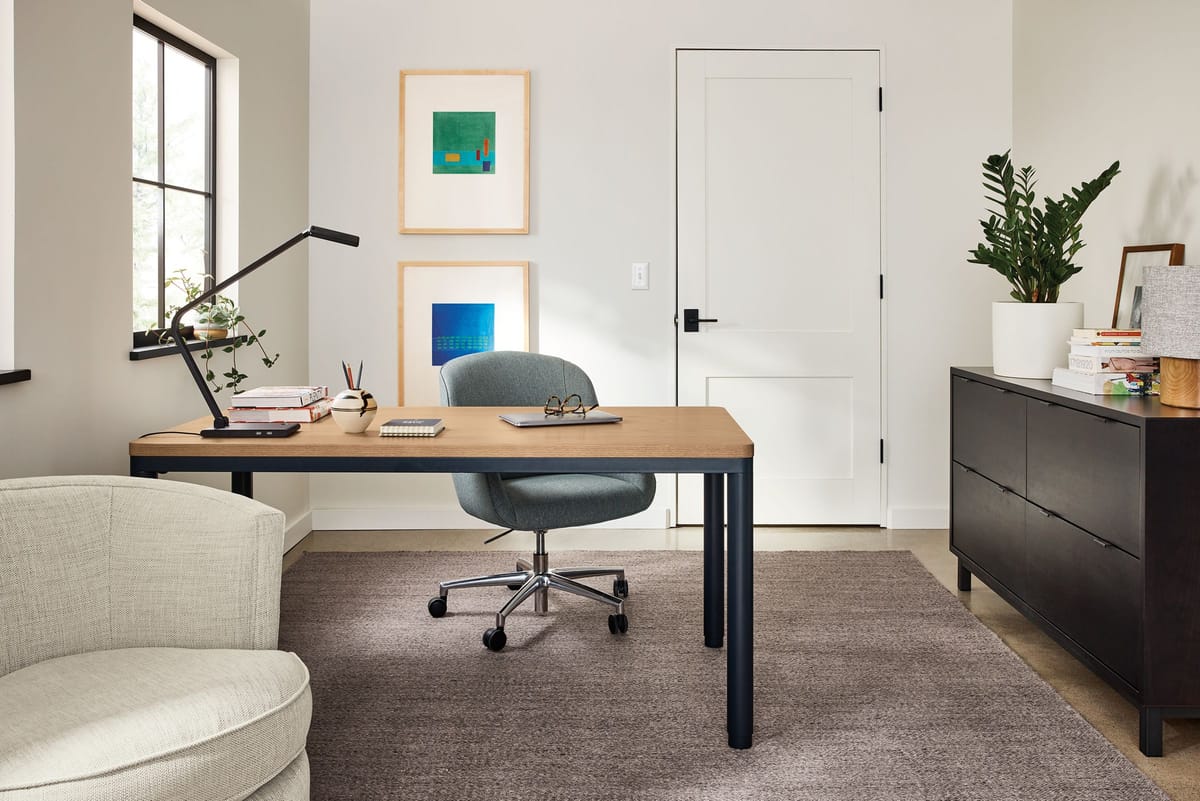
If you have ever tried to type a serious email while folded like a shrimp, you already get why a standing desk is one of those "why did I wait so long" upgrades. The good news: the category has matured. The bad news: there are about 8,000 options and half of them look like they were designed by someone who has never owned a screwdriver.
This guide is my no-nonsense take on the best standing desks you can buy right now, with picks for stability (the desk does not wobble like a baby giraffe), value, and small spaces. I also included a couple of wildcard options - a manual crank workbench desk and a desk converter - because not everyone wants to spend a grand to stand up for 20 minutes a day.
Quick note on expectations: a good electric sit-stand desk should feel stable at your standing height, raise and lower smoothly, and have enough weight capacity for a monitor arm, a laptop, and the random nonsense you accumulate (coffee, notebook, second coffee). If you want the short version: buy something with a dual-motor frame, decent warranty, and a top size that actually fits your space.
For related ByteBlip reading: if you are optimizing the whole work-from-home setup, our Best Portable Power Stations (2026) guide is a fun rabbit hole, and if you are building a home fitness corner, our Best Exercise Bikes roundup pairs nicely with a desk that lets you actually use it.
Our Top Picks
UPLIFT V3 Standing Desk (Best overall, most configurable)
Downsides: Easy to overspend once you start adding accessories; big tops can be heavy and annoying to assemble.
People who want one desk to last years, with tons of top sizes and add-ons.
If you want the "buy once, stop thinking about it" option, UPLIFT is the safe pick. It is the desk I recommend to friends who do not want a hobby - they just want something stable, adjustable, and customizable enough to fit their space.
The best part is configurability. You can choose the frame color, keypad style, top material, and a ridiculous number of sizes. That matters because the "perfect" standing desk is basically the one that fits your room without forcing you to put your speakers on the floor.
What I like most in daily use is the overall feel: smooth height changes, lots of room for cable management, and the kind of stability that does not make you baby your monitor at standing height. Pair it with a monitor arm and suddenly your whole setup feels more intentional.
- Dual-motor electric lift (on most popular configs) and strong weight capacity
- Lots of desktop sizes and materials
- Good ecosystem of accessories (grommets, power, drawers, casters)
FlexiSpot E7 (Best value dual-motor electric standing desk)
Downsides: Accessory ecosystem is not as deep; desktop options depend on which bundle you buy.
Getting a sturdy dual-motor sit-stand desk without paying premium-brand pricing.
The FlexiSpot E7 is the value nerd pick: you get a beefy frame and a smooth lift without the boutique price. If you are moving up from a wobbly entry-level desk, this is where things start to feel "real" - especially if you use a heavy monitor arm.
It is also a practical choice if you are building a work setup that needs to handle more than just a laptop. Think: two monitors, an audio interface, a desk mat the size of a picnic blanket, and maybe a desktop PC. The E7 frame can handle the load and still feel controlled when it moves.
My advice: spend your money on the frame first, then upgrade the top later if you want. A great top on a weak frame is still a weak desk. A solid frame with a decent top is an actually good desk.
- Dual motors for smoother lifting under load
- Strong stability for the price
- Often discounted compared to premium competitors
Branch Duo Standing Desk (Best compact standing desk)
Downsides: Less customization; smaller tops can feel tight with two large monitors.
Apartments, small offices, and anyone who wants a clean minimalist look.
Not everyone has room for a desk that looks like it belongs in a trading pit. The Branch Duo is a smart pick if you want something compact, good-looking, and simple. It is the desk you buy because your workspace is also your living room, and you would like it to not look like a server rack.
You give up some customization, but you gain a setup that is easier to live with: fewer decisions, cleaner lines, and a footprint that fits smaller rooms. For a laptop-plus-monitor setup, it is great.
- Compact sizes that actually work in small spaces
- Clean design that does not scream "office furniture"
- Good option for a single-monitor or laptop-first setup
VariDesk ProPlus 36 (Best standing desk converter)
Downsides: Takes up desk depth; not as flexible as a full sit-stand desk.
Standing sometimes, without replacing your current desk.
If you are not ready to replace your whole desk (or you are renting and do not want to drag a 90-pound desktop up the stairs), a standing desk converter is the move. The VariDesk style converters are popular because they are basically plug-and-play: set it on your desk, put your monitor and keyboard on it, and you are standing in five minutes.
These are also great for "I stand in bursts" people. You know the type: you stand for calls, you stand when you are stuck, you stand when you have had one too many coffees. A converter lets you do that without redoing your furniture.
- No assembly beyond lifting it out of the box
- Easy to switch between sitting and standing quickly
- Works with existing furniture
Search VariDesk ProPlus 36 on Amazon
Husky Adjustable Height Work Table (Best budget manual option)
Downsides: Manual adjustment; looks like a workshop bench (because it is).
A tough, inexpensive desk you can crank up and down - great for makers or garages.
This is the anti-aesthetic pick - and I mean that affectionately. The Husky adjustable work table is technically a workbench, but it is one of the cheapest ways to get a stable, height-adjustable surface that can take abuse.
You turn a crank, it goes up, and it does not complain. If your "desk" is also where you solder things, assemble keyboards, or do projects that would make an IKEA desktop cry, this is a fantastic option.
- Very sturdy for the money
- Manual crank means fewer parts that can fail
- Good for workshops, studios, and garage offices
Byteblip
New Products, Gift Guides, The Best Deals